Scan Multiple Pages
Scan receipts, notes, and multi-page documents with your iPhone camera.
Scan, adjust, and share your documents – no watermark, no paywall

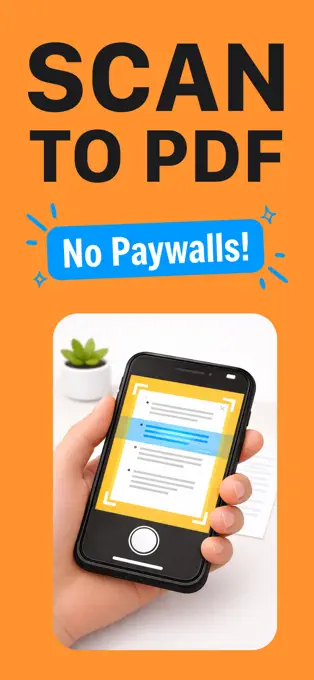
Scan receipts, notes, and multi-page documents with your iPhone camera.
Adjust the edges and orientation of each page before exporting.
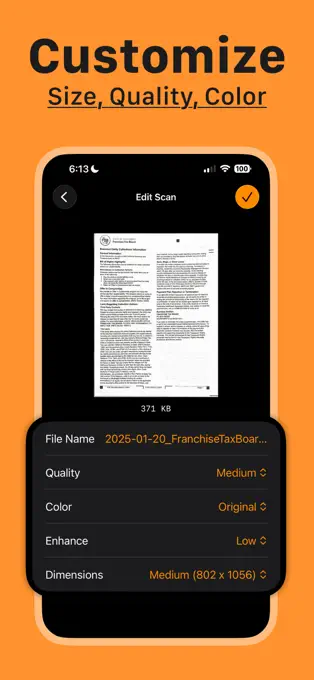
Choose color, grayscale, or black and white, and enhance the result.
Set the quality and dimensions, and check the file size before sharing.
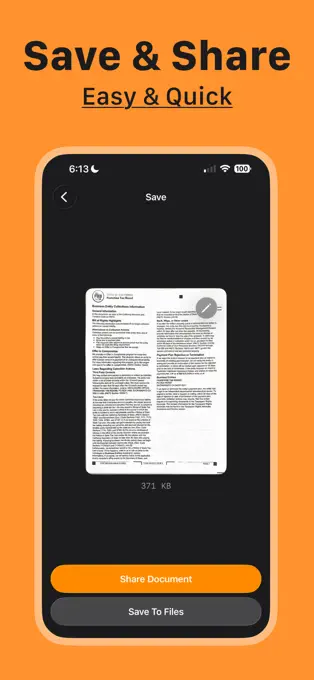
Review and mark up your PDF, then save to Files or share with other apps.
Scanem processes documents on your iPhone, without uploading your scans.
Works the best and is free thankfully. It’s so hard to find a scanner app that doesn’t have fees. I appreciate whoever made this app, it helps with my college assignments.
Works as described. Provides high quality PDF scans that can be saved to your phone or sent. No basic features are paywalled.
No ads, works beautifully, and is easy to navigate.
This app is great for when I need to scan documents to a pdf file. I’m really loving this app!!!!!
Scanem is a free PDF document scanner for iPhone. Scan paper documents with your camera, review the pages, and save or share the finished PDF.
1. Open Scanem and scan your document with the camera.
2. Review the pages, crop or rotate as needed, and choose the color, enhancement, quality, and dimensions.
3. Preview and rename the PDF, then save it to Files or share it.
Yes. Every feature is free, with no subscriptions, paywalls, or watermarks.
No. Scanem processes documents on your iPhone and does not upload your scans. The app collects usage analytics and crash reports to help improve it.
Scanem is available for iPhone and requires iOS 26 or later.